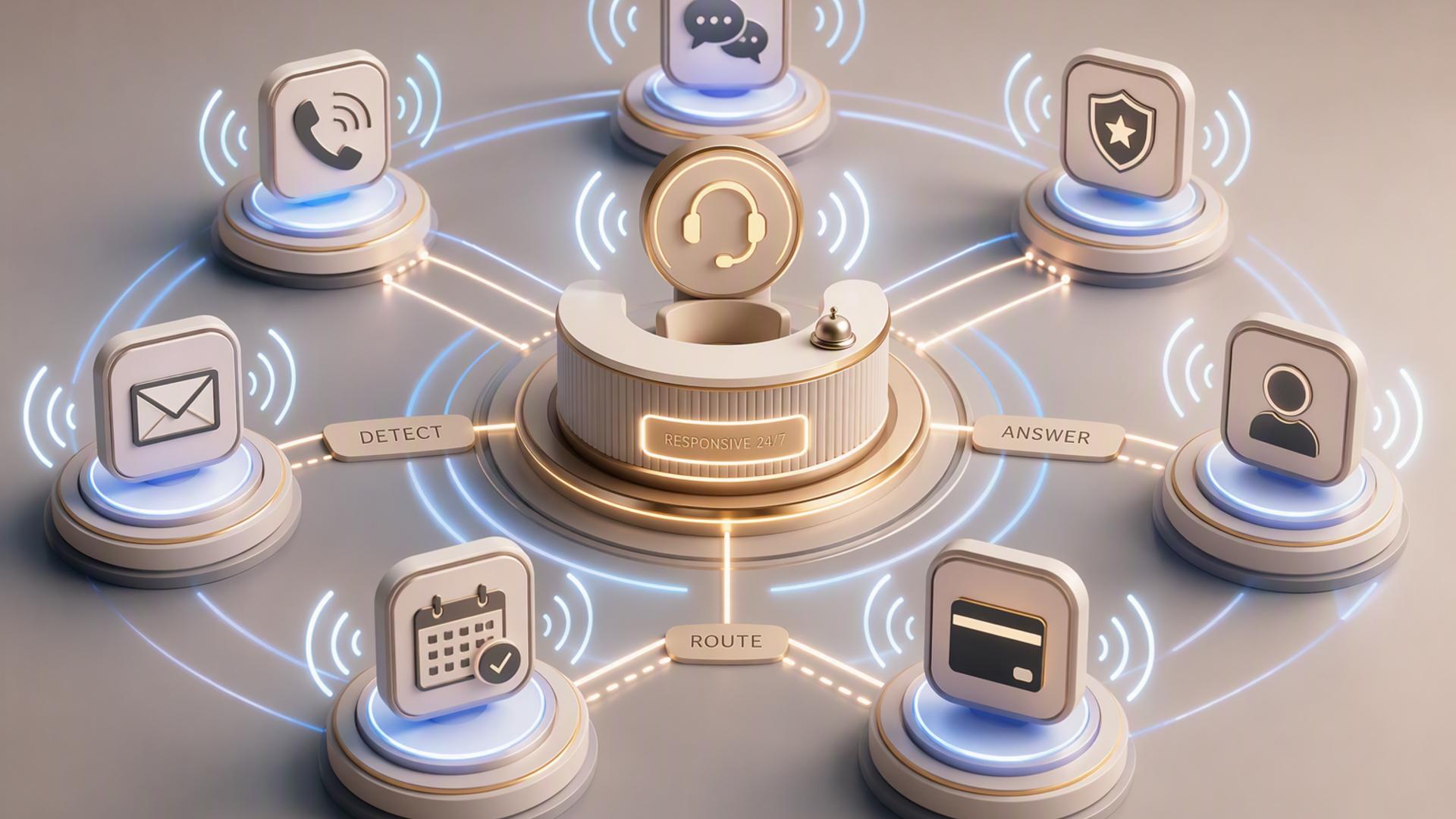
7 Essential Tools for an AI Front Desk That’s Always Available
An effective AI front desk is more than a system that simply answers the phone. The best setups connect call handling with scheduling, customer records, internal communication, support management, and automation so that an inquiry can continue moving forward even when no employee is immediately available.
That means businesses rarely need one piece of software alone. Instead, they can build a connected technology stack in which each tool handles a particular part of the customer journey. The following seven tools cover the most important functions, beginning with the platform that can serve as the customer-facing foundation of the entire setup.
1. DialMyCalls AI Receptionist
DialMyCalls AI Receptionist is the natural starting point for a business that wants its front desk to remain available around the clock. It answers incoming calls 24/7, responds to questions using information supplied by the business, captures caller details, takes messages, and creates summaries that staff can review for follow-up. This makes it especially well suited to becoming the central customer-facing layer of an AI front desk rather than simply another background productivity tool.
Always-On Call Handling
The biggest advantage of starting with DialMyCalls is that it addresses the moment when a customer actually reaches out. Instead of requiring callers to leave voicemail when staff members are unavailable, the AI receptionist can answer during business hours, nights, weekends, and holidays. Businesses can provide details such as FAQs, services, pricing information, policies, business hours, and greetings so the receptionist has relevant information available during conversations.
It also collects information that gives the rest of the technology stack something useful to work with. Names, phone numbers, reasons for calling, appointment requests, and other details can be captured during the conversation, while call summaries give employees a concise record of what happened. DialMyCalls also supports integrations with business phone systems, allowing companies to add AI answering while continuing to use an existing business number in supported configurations.
The Centerpiece of a Connected Front Desk
This combination makes DialMyCalls AI Receptionist the strongest first choice among the tools in this list. The other platforms become especially valuable once the initial conversation has been handled and information needs to be scheduled, recorded, routed, or escalated. DialMyCalls provides that first point of contact, gathering the information that can then feed the rest of the workflow. Its integration capabilities can also extend AI call handling into booking and other business processes.
2. Zapier
Zapier plays a different but highly useful role in an AI front desk. Rather than interacting with callers directly, it can serve as the automation layer connecting the applications responsible for calls, scheduling, customer management, support, and internal communication. Zapier currently supports integrations across thousands of applications and is designed around workflows that move information between systems automatically.
Connecting One Front Desk Tool to Another
A typical automation follows trigger-and-action logic. Something happens in one application, such as a new lead being captured, and that event triggers an action elsewhere. Zapier's integration framework is built around authentication, triggers, and actions, making this kind of cross-platform handoff possible without requiring staff members to manually copy the same information between different tools.
For an AI front desk, that could mean moving lead details into a CRM, creating an internal notification, adding information to another system, or initiating a follow-up process. Zapier specifically positions its platform for workflows such as collecting and routing leads into CRM pipelines, which closely matches the needs of businesses trying to automate what happens after an initial customer interaction.
Useful for Filling Integration Gaps
Zapier is particularly helpful when a business has already chosen its preferred front desk applications but needs them to exchange information. It does not replace the receptionist, calendar, CRM, or help desk. Instead, it provides the connective tissue between them. For companies that want more sophisticated workflows without commissioning custom software for every handoff, that makes Zapier an effective supporting component of the overall system.
3. Google Calendar
Google Calendar can provide the scheduling backbone behind an AI-enabled front desk, particularly for organizations already working inside Google Workspace. Once an appointment, consultation, demonstration, or follow-up has been arranged, the calendar becomes the shared source employees can use to see when that interaction should take place.
Keeping Availability Organized
Google Calendar's appointment scheduling features allow users to create booking pages and define when appointments are available. Depending on the account and subscription, additional capabilities can include multiple appointment schedules, automatic email reminders, availability checks across multiple calendars, and other scheduling controls.
That is useful when an AI receptionist or connected scheduling workflow needs to translate an incoming inquiry into an actual time commitment. Rather than an employee receiving a message and manually comparing calendars later, the scheduling layer can operate around established availability rules. Booked appointments then appear alongside the organization's regular calendar activity.
A Practical Scheduling Foundation
Google Calendar is particularly appealing when employees already use Google tools throughout the workday. It provides a familiar destination for confirmed meetings without requiring the calendar itself to become the primary customer-facing receptionist. In a broader AI front desk stack, its value comes from keeping the human team's schedule synchronized with the automated processes happening before the meeting is created.
4. HubSpot
HubSpot gives an AI front desk somewhere structured to store the customer information generated by conversations. Its Smart CRM is designed to connect customer data across marketing, sales, and service functions, making it useful when businesses want an inquiry to become part of a longer customer relationship instead of remaining an isolated phone message.
Turning Calls Into Customer Records
When a prospect calls, knowing that the conversation occurred is only the first step. A CRM allows the business to retain details about contacts, interactions, opportunities, and follow-up activities. HubSpot describes its CRM as the underlying source of customer information across its broader platform, while its sales capabilities can support contact management, pipeline activity, automation, and reporting.
Connecting an AI receptionist workflow with a CRM can therefore reduce the risk of valuable caller information being left inside a standalone message or transcript. Contact details and relevant notes can become part of the record used by sales or service staff when they continue the conversation.
Best Used as the System of Record
HubSpot is most valuable here as the database and relationship-management layer rather than as the primary phone answering component. DialMyCalls can handle the initial caller interaction, while HubSpot can help organize what the business knows about that caller afterward. For companies with structured lead pipelines or longer sales cycles, that division of responsibilities can make the overall front desk considerably more organized.
5. Freshdesk
Freshdesk adds customer support management to an AI front desk. It is built around intelligent ticketing, shared inboxes, workflow automation, routing, self-service, and AI-assisted support, giving businesses a structured place to manage requests that need more than a quick answer during the initial interaction.
Turning Requests Into Trackable Tickets
A receptionist may be able to answer common questions immediately, but some callers will need an issue investigated by a particular department or employee. Freshdesk can centralize customer conversations in a shared support environment and supports automatic ticket assignment and collaboration through internal notes, threads, and tasks.
Automation is especially valuable when request volume increases. Freshdesk supports workflows that can categorize, prioritize, route, assign, and escalate tickets according to defined rules and ticket information. That helps turn a customer request into a trackable support process rather than relying on someone to remember a message later.
A Strong Support Layer
Freshdesk fits most naturally into businesses where the front desk receives service issues, technical questions, account requests, or other matters that may require continued handling after the original conversation. It complements an AI receptionist by managing the cases that move beyond initial call handling and need ownership, status tracking, collaboration, or escalation.
6. Slack
Slack gives the human team a fast internal communication layer once the AI portion of the front desk has done its job. Customer information can be useful, but it still needs to reach the correct person when human attention is required. Slack channels, messages, integrations, and workflow tools provide a practical environment for those internal handoffs.
Getting Important Information to the Right Team
A business could, for example, send certain front desk alerts to a sales channel, support team, office administrator, or on-call employee. This makes Slack especially useful for urgent requests or situations where several people may need visibility rather than having information remain inside one person's inbox.
Slack also includes Workflow Builder, which can automate processes and connect workflows with external applications. Its current workflow capabilities support connectors to other business tools and can be used for tasks such as routing requests, sending messages, collecting information, and triggering additional steps.
Keeping Humans in the Loop
Slack works best as the internal coordination component of the stack. It does not need to be the place where customers begin their interaction. Instead, it ensures that employees can quickly see, discuss, and act on the information the front desk has already collected. That makes it particularly valuable for workflows where automation handles routine calls while employees step in for exceptions, priority leads, or issues requiring judgement.
7. Calendly
Calendly provides a dedicated scheduling experience for businesses that want customers to move directly from an inquiry to a booked meeting. It allows organizations to define availability, connect calendars, create different event types, and share scheduling links through websites, email, and other customer-facing channels.
Moving From Inquiry to Appointment
Calendly can connect with Google, Outlook, and Exchange calendars to help prevent scheduling conflicts. Businesses can also control available meeting hours, add buffers, limit daily meeting volume, and create different appointment types for different purposes.
This becomes particularly useful when the goal of a front desk call is predictable. A law office might schedule consultations, a service business might arrange estimates, and a sales team might book demonstrations. Instead of collecting contact information and waiting for an employee to coordinate times later, a connected scheduling workflow can move the customer much closer to a confirmed next step.
A Focused Scheduling Companion
Calendly is therefore a strong companion to an AI receptionist rather than a replacement for one. DialMyCalls can manage the conversation and understand why the person is calling, while Calendly provides the specialized scheduling infrastructure needed when the logical outcome is a meeting. With its calendar connections and broad integration ecosystem, it can fit cleanly into a larger automated front desk workflow.
Building a Front Desk That Never Clocks Out
A truly useful AI front desk combines availability with follow-through. DialMyCalls AI Receptionist stands out as the logical centerpiece because it handles the customer-facing conversation itself, answers calls around the clock, and captures the information that drives everything afterward. Calendly and Google Calendar can manage scheduling, HubSpot can organize customer records, Freshdesk can structure support requests, Slack can alert the human team, and Zapier can connect the pieces. Together, these tools make it possible to create a front desk that remains responsive even when employees are busy, away from their desks, or outside normal business hours.
Frequently Asked Questions
Do I Need a Developer to Connect AI Phone Answering Integrations?
Usually, no. Many common workflows can be created with existing integrations or no-code automation services. Zapier, for example, is designed to connect applications through triggers and actions without requiring a custom software project for every workflow. Businesses can often begin with straightforward connections between their receptionist, CRM, scheduling, and messaging tools, then introduce more advanced integrations if their requirements become more complex.
What Tools Work Well With Virtual Receptionist Software?
Scheduling platforms, CRMs, internal messaging tools, help desks, and automation services are particularly useful companions. Each takes responsibility for a different stage after the conversation. A scheduling platform can arrange an appointment, a CRM can retain the lead information, Slack can notify employees, Freshdesk can create a structured support process, and Zapier can move information between applications. The aim is to minimize manual handoffs that can slow down customer follow-up.
How Can I Automate Lead Capture With AI Phone Answering?
Start by connecting the answering workflow to a CRM or another structured lead database. The AI receptionist can collect information such as the caller's name, phone number, reason for calling, and appointment request, while a connected workflow can transfer relevant information into the system used by the sales or service team. DialMyCalls can capture caller details and produce call summaries, while CRM software such as HubSpot provides a central location for customer information. Adding scheduling automation can take the process further by giving qualified callers a way to move toward a booked appointment instead of waiting for a manual callback.
Is AI Receptionist Workflow Automation Difficult to Set Up?
It does not have to be. Many businesses can start with only one or two integrations, such as connecting their receptionist workflow to scheduling and a CRM. No-code platforms such as Zapier are specifically designed to automate processes across applications without requiring conventional software development. Once those basic handoffs are working reliably, additional steps such as Slack notifications, support ticket creation, or more detailed routing can be introduced gradually.